
Every reason on this page comes from Amazon's own Seller Central help pages, which we checked on 15 November 2026. Where something is our own advice from the studio, we say so.
On this page
What suppression means
When you upload images, Amazon checks them against its image requirements. If your main image fails, Amazon can hide your listing from search until you upload a compliant one. It can also remove or edit images that break the rules, for example by removing a watermark.
How to check if your listing is suppressed
- Manage Products, Fix tab: shows products removed from search because of image issues.
- Submission status, Content compliance issues report: shows which image files failed.
What a compliant main image looks like
Five main images from our studio. Each one is a single product on pure white (RGB 255, 255, 255), filling the frame, with nothing cut off.

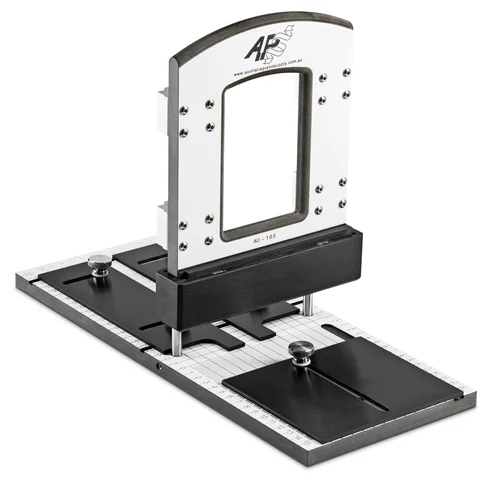
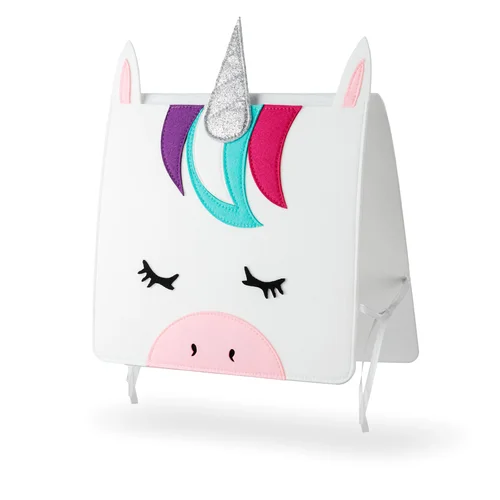
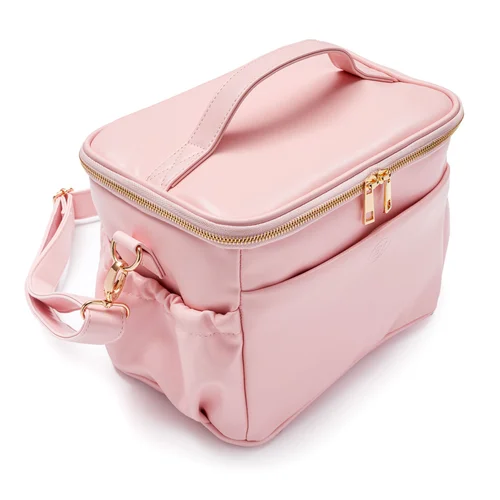
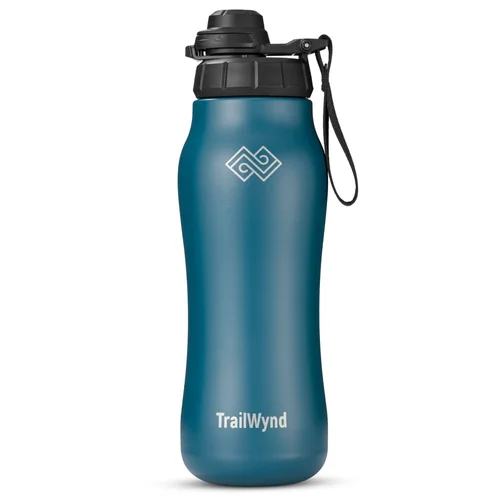
See more Amazon main images and listing content from our studio →
Amazon's suppression reasons at a glance
| Amazon's reason | What it means | Applies to |
|---|---|---|
| Non-white background | Background isn't pure white (RGB 255, 255, 255) | Main image |
| Text, logo, graphics or watermarks | Anything added on top of the photo | Main image |
| Product in packaging or with tags | Box, bag, case, brand or swing tags | Main image |
| Cropped product | Part of the product is cut off | Main image |
| Additional items | Items not allowed for that product type | Main image |
| Propping | Props inside, covering or surrounding the product | Main image |
| Image missing | No main image, or the wrong one | Main image |
| Product too small | Too much empty space around the product | Any image |
| Blurry or pixelated | Not sharp | Any image |
Clothing, shoes, jewellery and similar categories have extra rules: no mannequins or hangers, and no seated models.
What these mistakes look like
✗Shadow runs to the edge
✗Product too small
✗Product cut off
✗Box in the main image
✗Text and badges added
✗Props that aren't included
"But my background IS white"
This is the one sellers ask about most. Maybe you were sent images with a background that looks white but has some grey in it. Was that the plan? If it wasn't, this is why Amazon flags it.
Amazon flags a non-white background if:
- the background isn't pure white (RGB 255, 255, 255), with only minimal shadows around the product
- there's a frame, line or border on any edge of the image
Amazon also says shadows can't run to the edge of the frame. And if a product was cut out of its background in editing, any off-white or grey patches, artifacts or outlines left behind count too.
✗Looks white, but it's light grey
✓Pure white, what Amazon checks for
Why your main image looks smaller than competitors'
Amazon's rule is that the product must take up at least 85% of the image area, without excessive white space. It still can't be cropped, and shadows can't reach the edge. If yours looks small next to competitors in search, this is usually why.
Can the box or packaging be in the main image?
Amazon's suppression page is strict: no boxes, bags or cases, and products must be taken out of their packaging to be photographed. Its main image guide allows a carrying case that's an important product feature, and an Amazon staff post in the Seller Forums lists consumables and collectibles as exceptions.
Our advice: to be safe, shoot the main image without packaging, and show your box in image 2.
"My competitor breaks these rules. Why can't I?"
Our take: Amazon checks new images automatically, so a new upload gets flagged straight away. Older listings sometimes slip through. Copying them is how listings get suppressed.
Your vision, with a safety net
Some of our clients have a clear idea for their main image, like a hero shot with the box or a styled background. That's your call to make. Our job is to bring your vision to life and tell you upfront if something could get flagged. Where a concept pushes the rules, we shoot a compliant version alongside it, so you can test your idea and always have a main image ready if Amazon suppresses it.
How to fix a suppressed main image
- Upload a compliant replacement with the MAIN variant code. Amazon recommends replacing the main image rather than deleting it.
- Allow up to 24 hours for it to appear.
- Know that an upload isn't guaranteed to show. Amazon picks images from all the sellers on a listing.
For the full list of size, file and main image rules, see our Amazon product image requirements guide.
Not sure why your image was suppressed?
Send us your Amazon listing link and we'll tell you what's getting flagged, for free. We'll also review your images, video and A+ content, and within 3 business days send you a link to a report with what to fix first. One free audit per business, no obligation.
Get a free listing auditSee all packagesSee our Amazon workSources: Amazon Seller Central (US) help pages: Image suppression, Non-white background, Product too small, Product not outside of packaging and Product image guide, checked 15 November 2026. Amazon staff post "Product Photography Standards: What's New in 2026", Seller Forums. Rules can differ by marketplace and category, so check your own Seller Central before uploading.